
Screenshots, sorted.
Select by age and delete in one go.
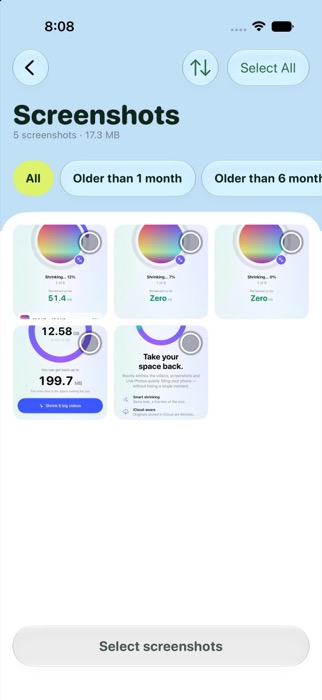

Shrink big videos. Clear screenshots. Keep every memory.

Big videos, screenshots and Live Photos quietly fill your iPhone. TinySaur shrinks them in a few taps, and shows exactly how much room you won back.
4K clips become 1080p HEVC that looks the same on your phone, often at a tenth of the size. Choose Balanced, Smallest or Original Quality.
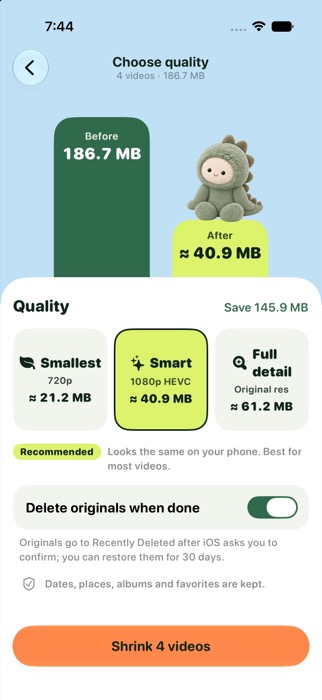
Select by age and delete in one go.
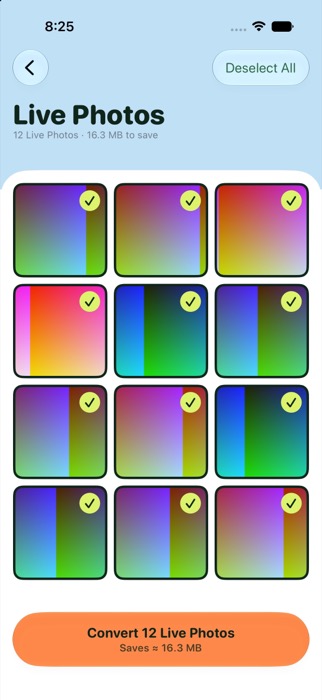
See all your Live Photos in one grid, tick the ones you don't need moving, and turn them into regular photos.
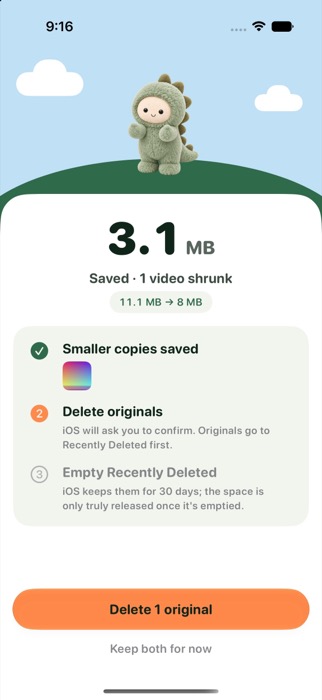
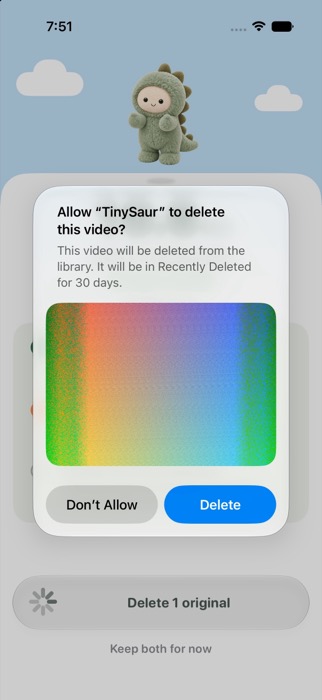
The smaller copy is saved first. Originals are only deleted after you tap Delete and confirm iOS's own prompt.
And because iOS keeps deleted items in Recently Deleted, TinySaur walks you through emptying it, so the space really comes back.

No account. No tracking. Your photos and videos never leave your iPhone, because everything happens on your device.
No. Compression happens on your iPhone. The only network traffic is checking your TinySaur Pro subscription and anonymous usage statistics, which never include anything from your library.
On a phone screen it should look the same. Choose Original Quality if you want the safest option.
That works. TinySaur downloads the full-size original (with progress), shrinks it, and saves the smaller copy.
iOS keeps deleted items in Recently Deleted for 30 days. Open Photos, Albums, Recently Deleted, Select, Delete All, and the space is released. TinySaur walks you through it.
You get 5 free actions in total (each video compressed or Live Photo converted counts as one), and clearing screenshots is always free. TinySaur Pro removes the limit, with yearly, monthly and lifetime options.
Open Settings on your iPhone, tap your name, then Subscriptions. You can also restore purchases inside the app.
Shrink videos. Get space back.